
The operation of an infrared touch screen all‑in‑one machine abandoned the traditional mouse and keyboard, can be directly operated on the screen with fingers, more convenient and faster, to bring a lot of convenience to people.
But as an electronic product, the performance and service life of infrared touch all‑in‑one machine will gradually reduce with the passage of time, the life is shorter, so want to make the infrared touch all‑in‑one machine can maintain efficient performance for a long time, we must pay attention to the maintenance of good details, what is the specific approach?
1. Technical knowledge: the service life of infrared touch all‑in‑one machine is limited, frequent switch, open or close the order error of the machine will cause some damage to the electronic components, even when there are a large number of temporary files on the hard drive, direct close the opportunity to lead to the hard drive error, will also affect its life length.
2. Use of the machine: because the touch screen will often appear electrostatic phenomenon, so that the dust in the air adsorbs on the reflective stripes around the touch screen, then the touch function of the machine will gradually disappear, so the user needs to clean it often.
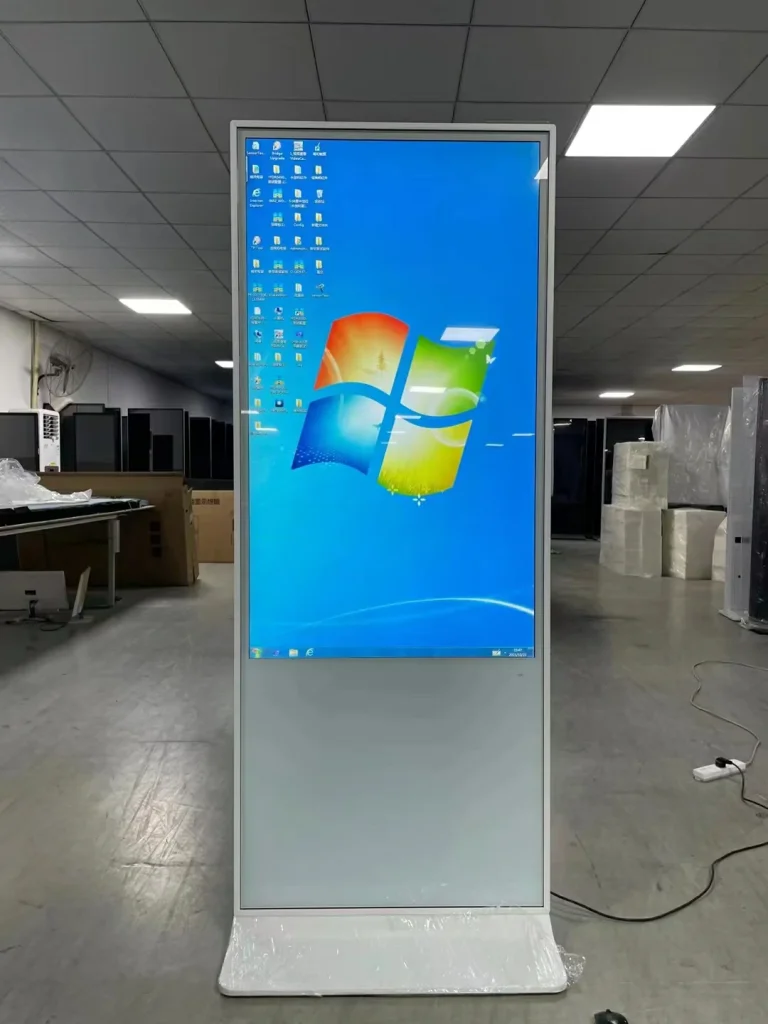
Infrared touch screen integrated machine
(1) Data line
Maintenance advice: Do not plug and unplug data cable frequently to avoid data cable socket damage and loose power supply and touch failure of infrared touch all‑in‑one machine.
(2) Display screen
Maintenance advice: Do not squeeze and against the touch display area. The machine shell keeps squeezing the touch area, causing the mouse to stay in a corner.
(3) Place the environment
Maintenance suggestions: When the infrared touch all‑one machine is located, the high temperature may cause blurred picture and decreased picture quality. Therefore, choose a place with high temperature, and it is generally recommended to put it indoors.
(4) Air vents
Maintenance suggestion: Avoid ventilation blockage, foreign body blockage in the all‑in‑one machine, which may cause electric shock phenomenon or short circuit of inter
3. Daily cleaning: Users should spray alcohol or glass cleaner on a soft towel to wipe the touch screen. At the same time, the wrong use of the cleaning agent leads to poor cleaning effect and wet circuit, so do not wipe with water.
4. Use environment: The internal parts of the all‑in‑one machine are sensitive to air humidity. Once the internal parts are wet, the phenomenon will cause short circuit in the machine. The machine should be placed in a relatively appropriate position of ambient air humidity.
Different from the traditional computer all‑in‑one machine, infrared touch screen all‑in‑one machine is an intelligent device made to simplify people’s information query difficulties.
The practical function of infrared touch all‑in‑one machine is to provide people with information query, and people can get the corresponding information through the all‑in‑one machine screen.